
Audacity is a new tool I used in the module EL6041: Instructional Design in my master’s programme. In this module, one major assignment was to create an instructional podcast. To complete this task, my lecturer recommended that we use Audacity – a specialised tool for podcast production. Generally, I find it easy to use the tool as its interface appeared quite simple and user-friendly, and to some extent, similar to some common editing tools I had used before.
At first, I felt slightly anxious as I had never used this tool before and had no experience making a podcast. I was unsure about how much editing should be needed. However, after following detailed instructions from my lecturer and drafting some recordings, I then felt more relieved and confident in my podcast.
I realise that my experience using Audacity was positive and challenging at the same time. One of the most satisfied functions is the noise reduction. Audacity can filter background noise significantly. I was impressed bythe audio quality of my first recording because of no environment noise recorded. Additionally, the layout of the main editing buttons is so intuitive that I could interact with them with ease.
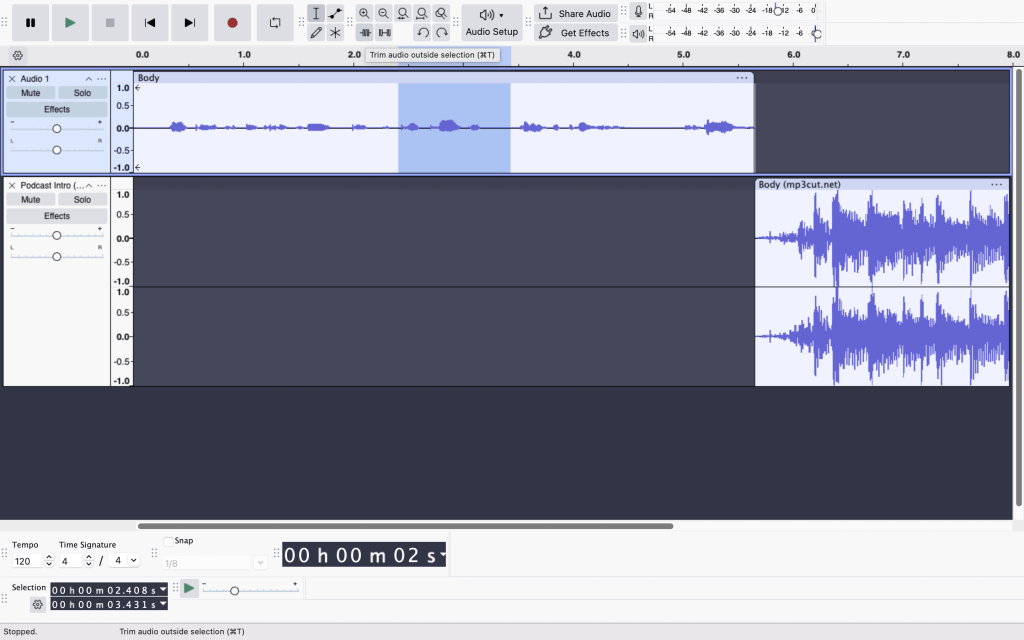
However, I also struggled with trimming the audio to the desired length. Instead of adjusting small parts, I keptdeleting the errors and re-recording repeatedly. This process made me a bit stressed as I was working under time pressure, though it did not add extra production time.
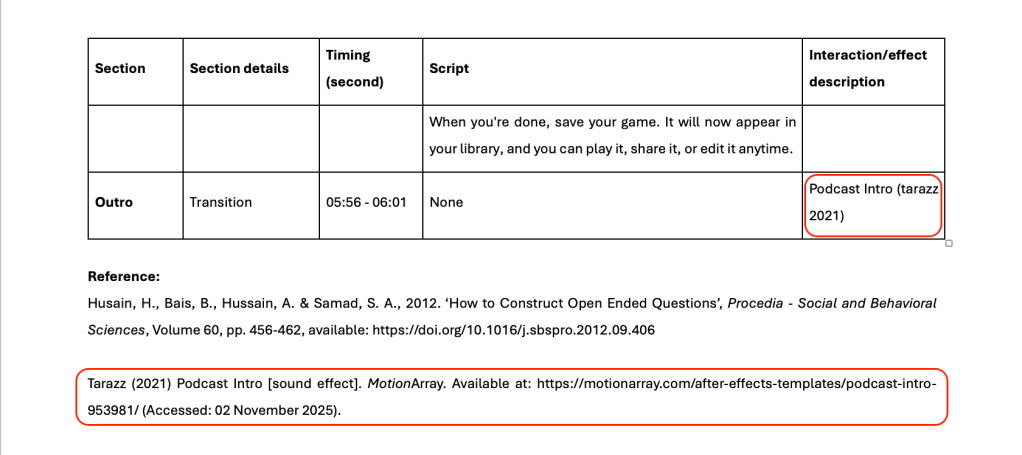
Reflecting on this experience, I realise that using Audacity was not only about improving my technical skills but also developing my digital confidence. Through the process, I became more aware of how my tone, pace and delivery affect my listeners’ interest. This makes me acknowledge that a good instructional podcast requires both technical and pedagogical skills. Furthermore, I realise that a tool, even a top-notch one, cannot automatically create high-quality materials. Although Audacity offers several useful features, the podcast quality still relies on how carefully I plan and structure it. This reminds me that a tool can support, but replacing teaching. Most importantly, I learned that podcasters must consider copyright issues and properly reference any media.
Looking back, I realised that I should have explored the instruction materials more carefully before starting my podcast. If I had done so, I could have made use of its functions to improve the quality of my podcast.
My overall experience with Audacity is positive despite some initial difficulties. This tool proved to be a powerful and professional assistant in my assignment. I definitely consider using it again for future podcasts.
Reference:
Audacity Forum (2018) Audacity logo [image], available: https://forum.audacityteam.org/t/new-modern-but-recognizable-logo/50803 [accessed 15 Feb 2026].
 Hong's Reflective Learning Blog
Leave a comment